

Create your account
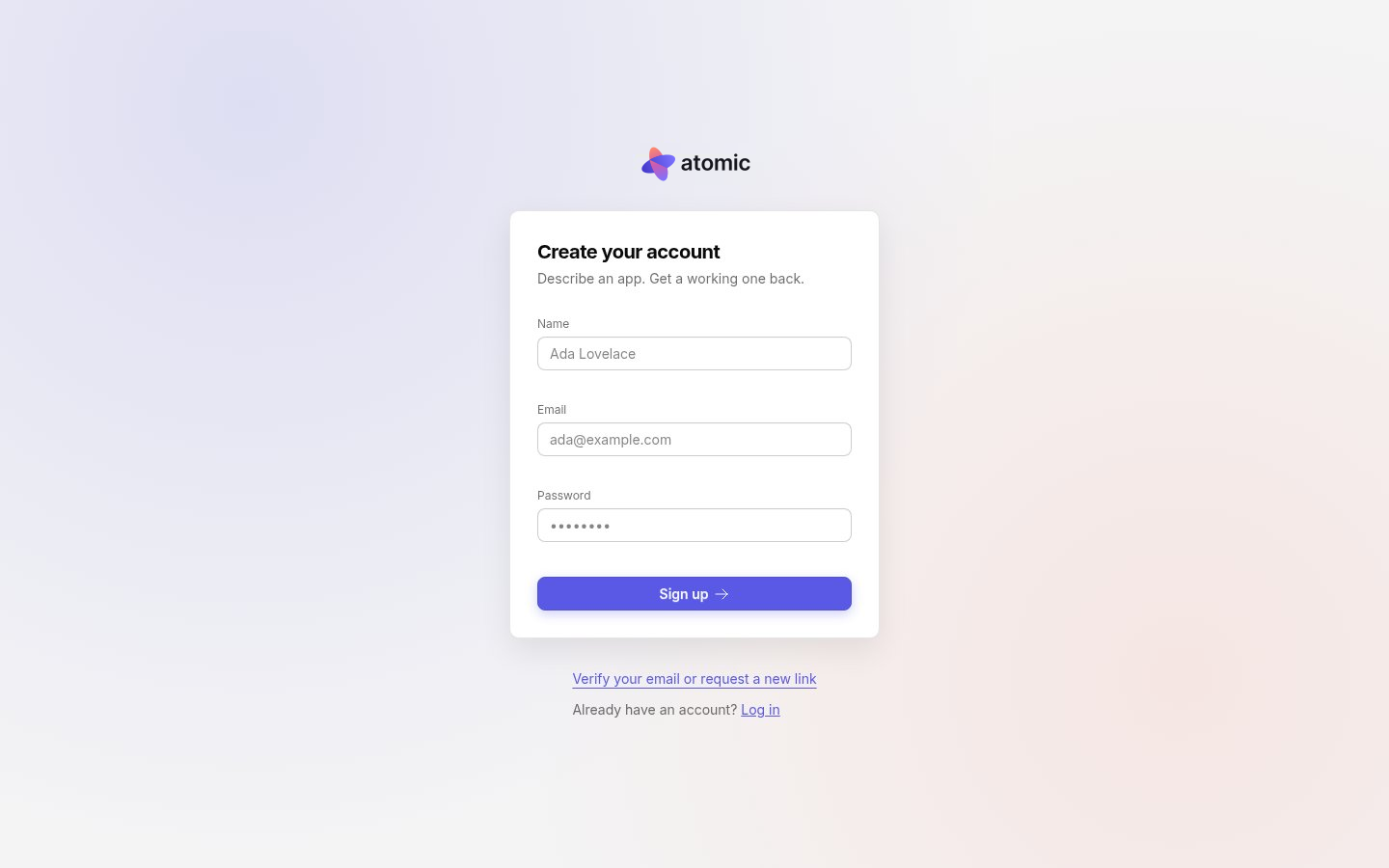
Open Atomic and choose Sign up. Enter your name, your email address and a password, then select Sign up.
If your sign-in page shows buttons for Google, GitHub or Apple, you can sign up with one of those instead. Atomic keeps the email address and name the provider shares.
Verify your email
Atomic sends a verification link to the address you signed up with. Open it to confirm the address is yours. If the email does not arrive, use Verify your email or request a new link below the sign-up and log-in forms to send another.
A verified email is also what lets you accept invitations to workspaces and apps, which are tied to the invited address.
Log in
Use Log in with the same email and password, or the same provider you signed up with. To use a provider with an account you created with a password, verify the account’s email first: Atomic links a provider only to an address it has already verified.
For your security, Atomic asks you to sign in again after a period of inactivity, and at least once a week.
Your settings
Open Settings from your name at the bottom of the sidebar:
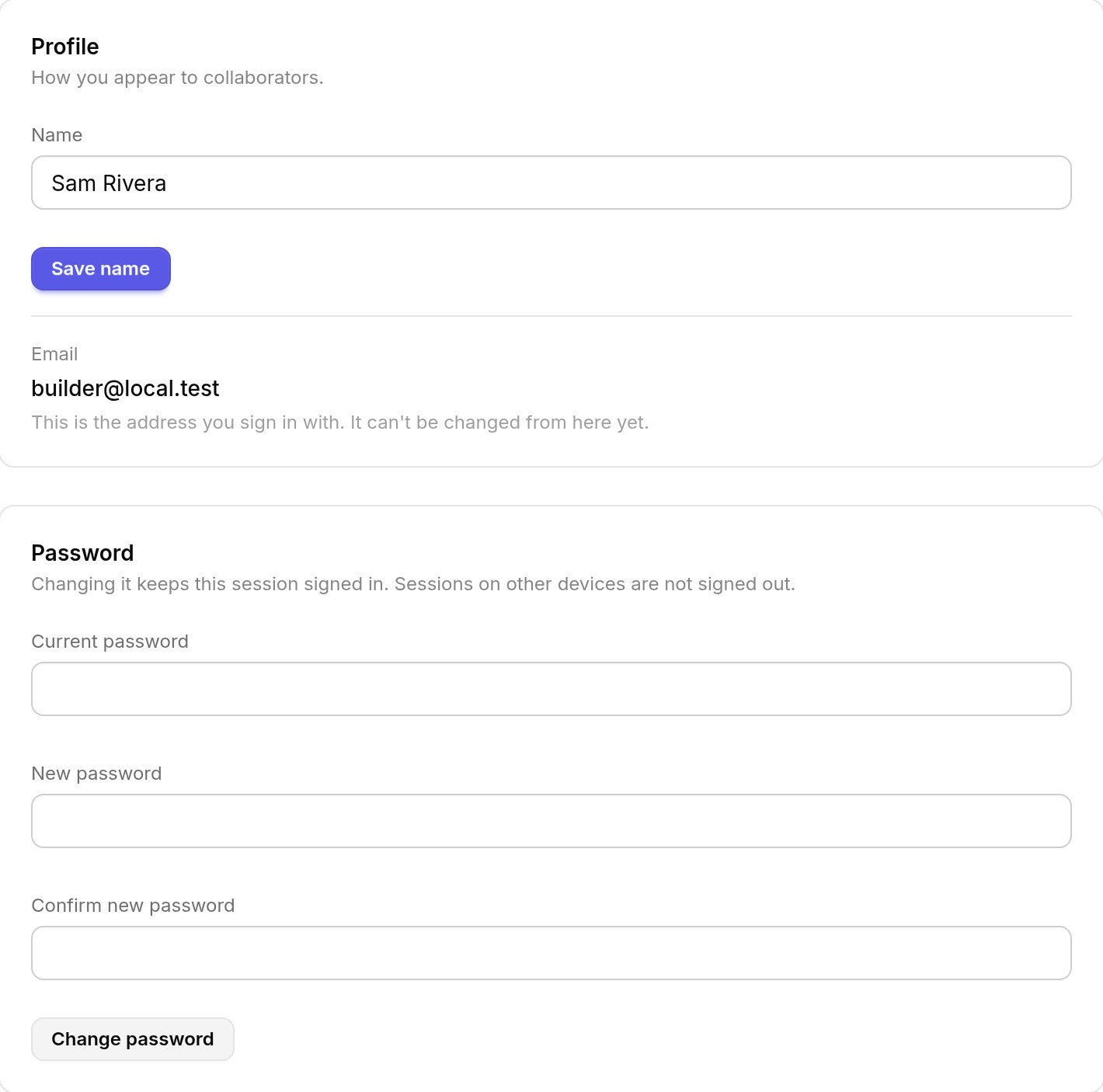
- Profile: the name collaborators see.
- Email: the address you sign in with. It cannot be changed from Settings yet.
- Password: change it with your current password. This session stays signed in; sessions on other devices are not signed out.
- Plan and usage: your plan, the credits left in this period and when they reset. See usage and credits.
- Log out: end your session on this device.