

Data
- Restoring a version or rolling back a deployment changes code, never data. A published change to how data is stored is not undone by either.
- A source download is not a complete export: it leaves out users, records, uploaded files and hosting.
- Apps do not share a database, and outside tools cannot connect to an app’s data directly.
- Anything you create in the preview is discarded; publishing does not copy it.
- In a public app with no login, any visitor could read or change any record.
People and access
- A published app starts with no users. Sample accounts are never published.
- App users can be listed and invited only after the app is published.
- Your email address cannot be changed from Settings yet.
- Workspace roles cannot be changed, and ownership cannot be transferred, from the workspace page yet.
Building and the canvas
- Apps started from a template, or shaped on the canvas, must be applied before they can be published.
- Figma links are not read; attach a
.figfile or SVG frames. Reading.figfiles is experimental. - Image attachments: up to four PNG, JPEG, WebP or GIF images of up to 5 MB each.
- Text edited in place stays plain text, up to 600 bytes. Elements containing controls or icons are changed through annotations.
- Saved screens do not replay clicks, form entries or sign-ins.
- Atomic keeps an app’s newest 20 versions, plus the published one.
Publishing and running
- Custom domains are subdomains only, on paid plans.
- Logs cover the preview, only while it is open, and keep each app’s newest 2,000 lines.
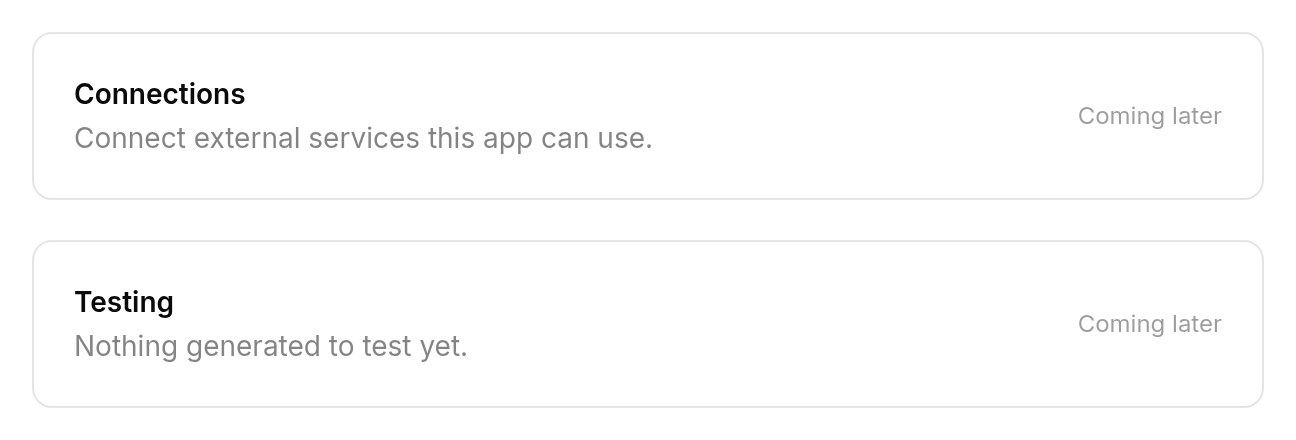
- Connections to external services and Testing appear in app settings as coming later.