

Choose how people get in
Open the app’s Dashboard and find Access. It decides how people enter the finished app. It does not change who can edit the app in Atomic.
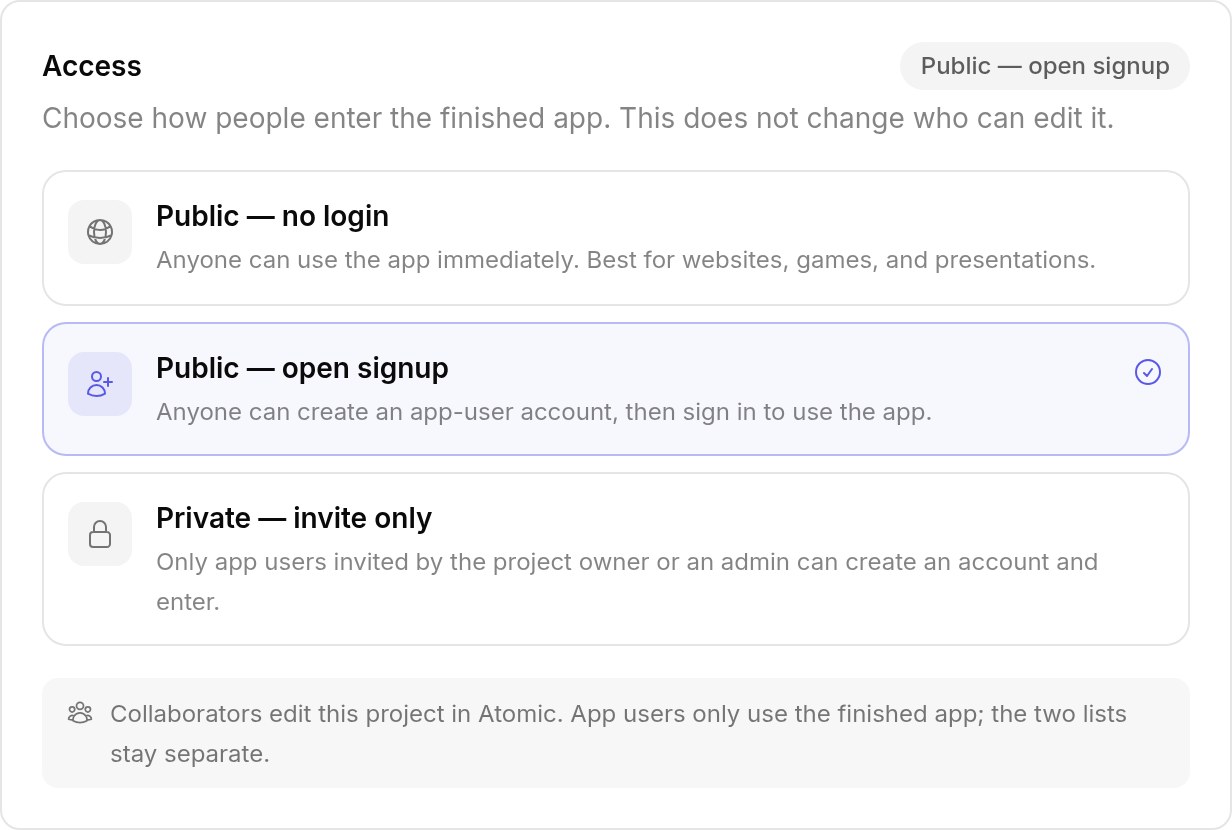
| Mode | Who can use the app | Good for |
|---|---|---|
| Public — no login | Anyone, immediately, without an account | Websites, games, presentations |
| Public — open signup | Anyone who creates an account | Booking sites, shops, communities |
| Private — invite only | Only people invited by the app’s owner or an admin | Internal tools, client portals |
Atomic asks you to confirm a change. Adding login to a public app keeps its pages and adds accounts. Removing login can affect private screens and data people own, so Atomic makes that change in a checked build.
App users
App users are the people who use the finished app. They sign in to the app, never to Atomic. Each published app keeps its own list, so you can see and invite app users once the app is published.
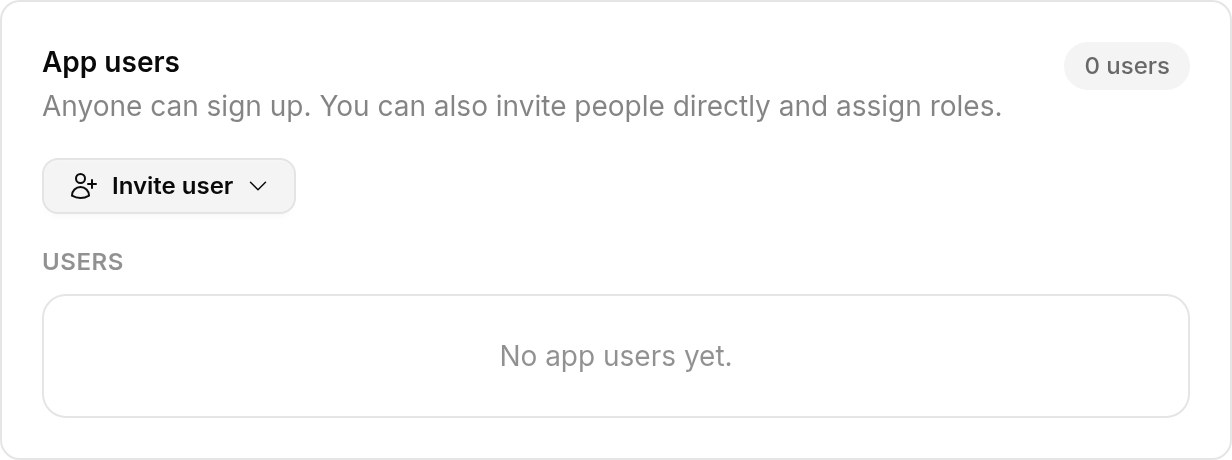
- Invite user sends an invitation to an email address with the role you choose. Invitations last seven days and work once.
- Change a user’s role from the list. Roles are the app’s own, such as owner, staff or agent.
- Revoke access signs the person out of the app at once.
In an invite-only app, someone can create an account only with an invitation for their email address.
Your first admin
A published app starts with no users: the sample accounts are never published. To manage it yourself:
- invite yourself from App users with an admin or staff role; or
- in an open-signup app, sign up on the published app, then give yourself the role in the user list.
App users are not collaborators
Collaborators build the app in Atomic; app users only use it. The two lists stay separate: an Atomic account does not get anyone into a private app, and an app user cannot edit the app. See collaborators.