

From an idea to a running app
Atomic builds web apps from a description. You say what the app is for, who uses it and what they need to do. Atomic writes the screens, gives them a backend for accounts and data, checks the result and, when you are ready, publishes it at its own address.
You stay in charge of every step. Each change is a request you make, a preview you try and a version you choose to publish. Nothing reaches the people using your app until you publish it.
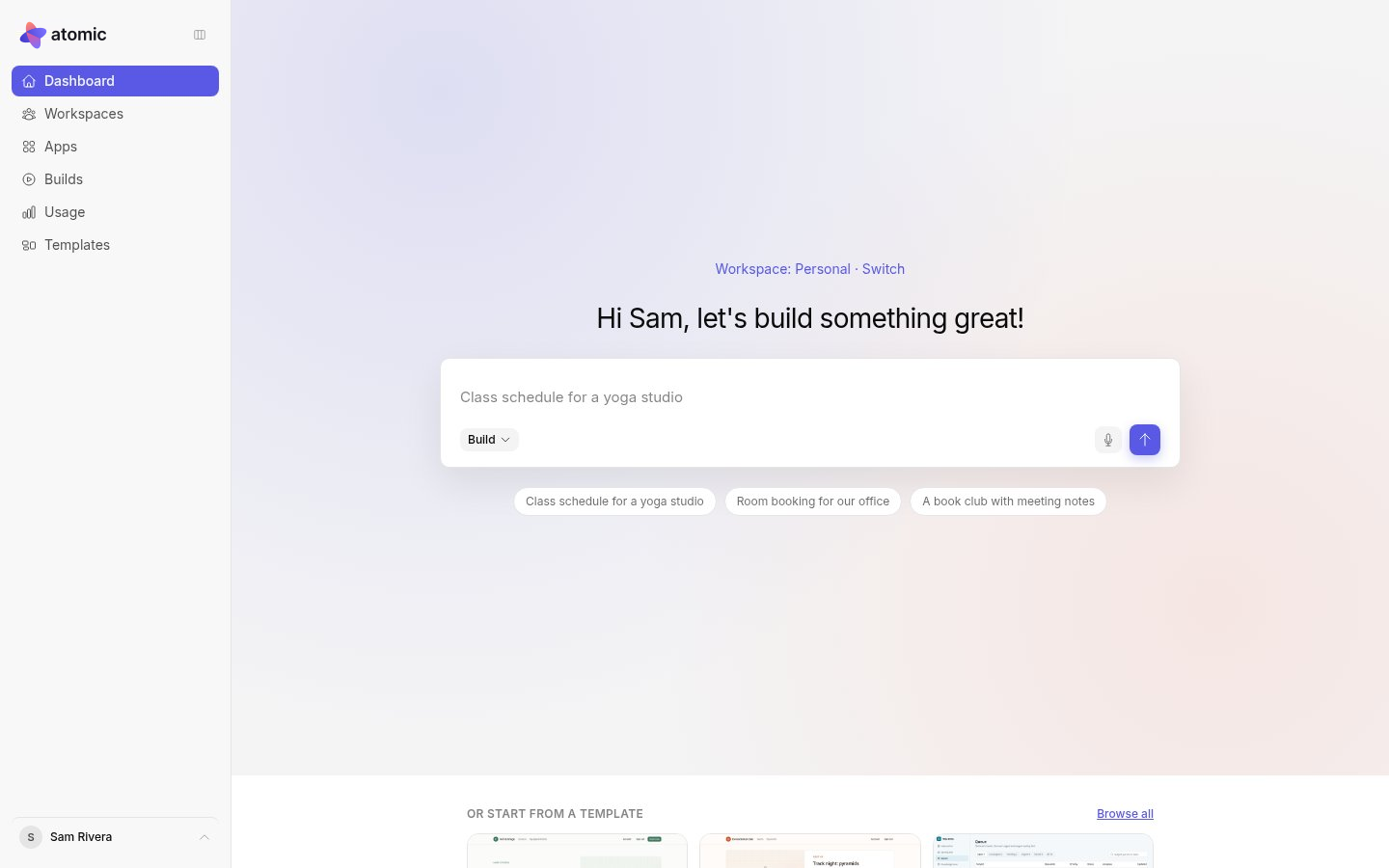
The way you work
- Describe the app in the conversation, or start from a template.
- Shape the screens on the canvas. Every screen runs on sample data, so you can click through the app as each kind of user before anything is real.
- Apply your changes. Atomic connects the screens to a real backend for accounts and data, then checks the whole app.
- Publish a verified version. Your app gets its own address, its own users and its own data.
You can keep refining after you publish. Later changes stay in the preview until you publish again.
Words you will see
| Term | What it means |
|---|---|
| Workspace | Where your apps live and the teammates who build them with you. |
| App | One project: its screens, backend, versions and settings. |
| Canvas | Where you see and edit every screen of the app, running on sample data. |
| Preview | The app as its users will get it, before you publish. |
| Apply | Turns your screen changes into a version and connects the screens to the app’s backend. |
| Verified | The version passed Atomic’s checks: it builds, its screens open and its backend works. |
| Publish | Serve a verified version at the app’s public address. |
| Collaborator | Someone who builds the app with you in Atomic. |
| App user | Someone who uses the finished app. App users never see Atomic. |
The glossary lists every term in these guides.
What every app is built on
Every app has the same foundation: screens written in React, and a backend on Atom, the open-source backend from Abstract Machines, which handles accounts, roles and data. Atomic writes the backend’s rules alongside the screens. Each published app keeps its own users and records, separate from every other app.
You can browse and download your app’s source at any time. See what you can take with you for what that source does and does not include.
Where to go next
- Create your account and sign in.
- Write your first brief.
- Or start from a template and change it to suit you.