

Building
- App
- One project in Atomic: its screens, backend, versions, settings and published releases.
- Workspace
- A group of apps and the builders who work on them. See workspaces.
- Build
- The work Atomic does for one request, ending in a checked version. Also called a turn.
- Build and Plan
- The two modes for a request: Build changes the app; Plan only suggests.
- Template
- A complete app to start from, with screens, a backend configuration and sample data. See templates.
- Verified
- A version that passed Atomic’s checks. Only verified versions can be published.
- Version
- A verified checkpoint of the app’s source. See versions.
- Credit
- The unit Atomic uses to count AI work. See usage and credits.
The canvas
- Canvas
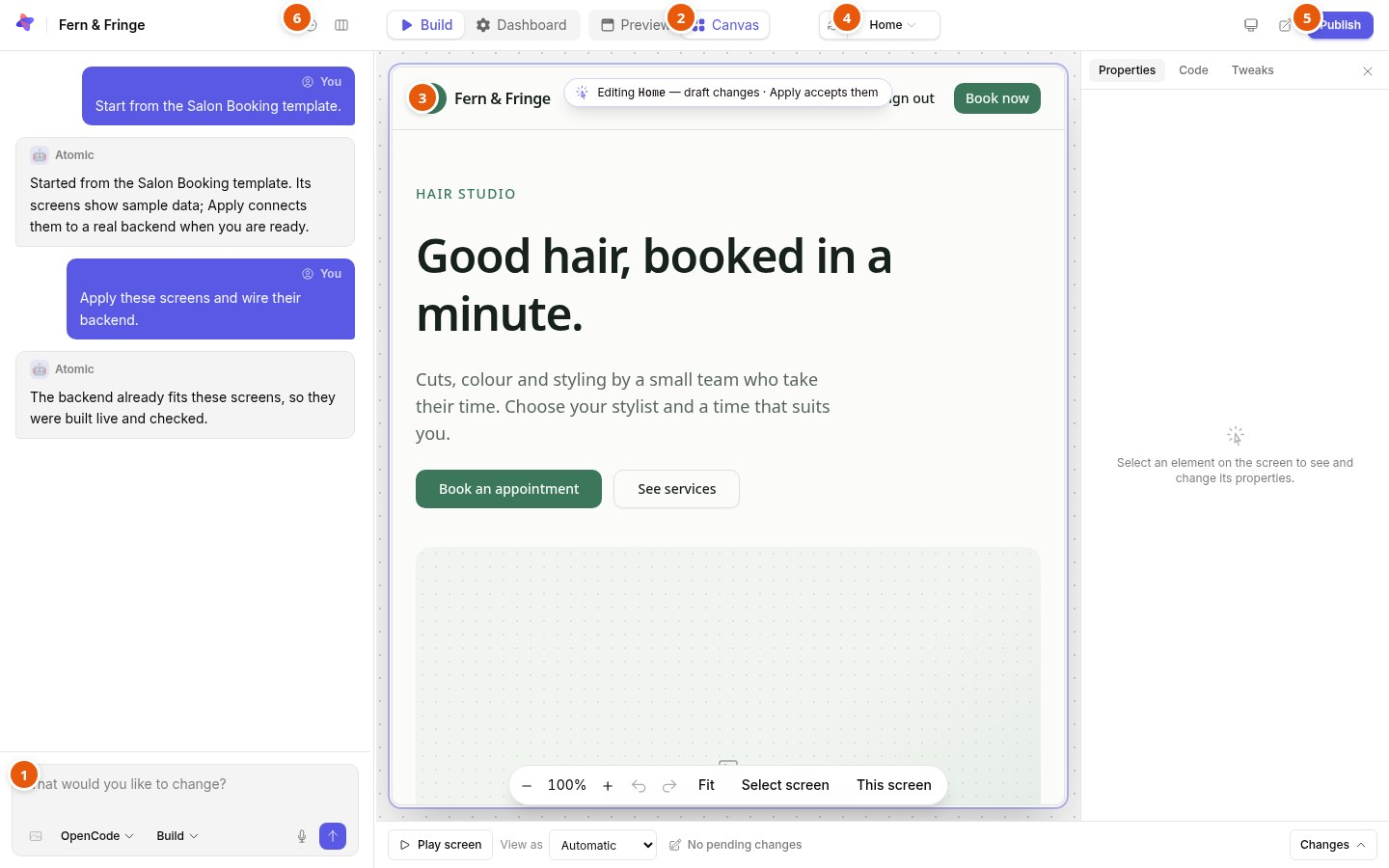
- The board where every screen runs on sample data, ready to select and edit. See the canvas.
- Screen
- One page of the app, with its address and the people who can open it.
- State
- A view of a screen you would otherwise click to reach, such as an open dialog.
- Sample data
- Believable records and an account per role that the canvas and preview run on. Sample accounts are never published; sample records become the published app’s starting records, unless a template was started without them.
- Play screen
- Using a screen on the canvas instead of selecting parts of it.
- Draft
- A change made on the canvas that has not been applied yet.
- Annotation
- A comment on an element, optionally asking Atomic for a change. See annotations.
- Tweaks
- Theme-wide changes to colors, corners, spacing and font.
- Apply
- Accepts every draft as a new version and connects the screens to the app’s backend.
People and access
- Owner
- The person an app or workspace belongs to.
- Collaborator
- Someone invited to build one app in Atomic, as an editor or admin. See collaborators.
- App user
- Someone who uses the finished app. App users never see Atomic.
- Role
- A kind of app user, such as owner, staff or agent, that decides which screens they can open.
- Member
- An app user without another role. Members see shared records and their own.
- Staff
- Every role other than member. Staff see and change every record.
- Access mode
- How people enter the finished app: public with no login, open sign-up, or invite only. See who can use your app.
- Sample account
- An account for trying a role on the canvas and in the preview. Never published.
Publishing and running
- Preview
- The app as its users will get it, with a disposable backend, before you publish.
- Publish
- Serving a verified version at the app’s public address. See publishing.
- Deployment
- One publication of the app, kept in its deployment history.
- Rollback
- Serving an earlier deployment again, without touching source or data. See deployments.
- Custom domain
- Your own subdomain serving a published app. See custom domains.
- Atom
- The open-source backend from Abstract Machines that every app’s accounts, roles and data run on.