

Every app has its own backend
Once its screens are connected with Apply, an app keeps its accounts and records in its own backend on Atom. The backend defines the kinds of records the app holds, such as services, bookings and opening hours, and the roles people can have. Atomic writes those rules with the screens and checks them on every build.
Apps do not share a database, even within one workspace, and outside tools cannot connect to an app’s data directly.
Three kinds of data
| Where | What it holds | How long it lasts |
|---|---|---|
| Canvas | The app’s sample records and an account for each role | Until you reset it or reload; never saved |
| Preview | A backend rebuilt from the app’s files, starting from its sample data | Disposable: anything you create while trying the preview disappears with it |
| Published app | The app’s starting records, then the accounts and records of the people who use it | Kept by the published app; publishing or rolling back never replaces it |
Publishing deploys the app’s files, not the preview’s data. A newly published app starts with no users, and with the app’s starting records: its sample records, unless you started from a template without them. Each starting record is added once, so one that an admin deletes stays deleted. Remove sample records you do not want before real people use the app.
Who sees which records
In an app with accounts, what someone sees follows their role:
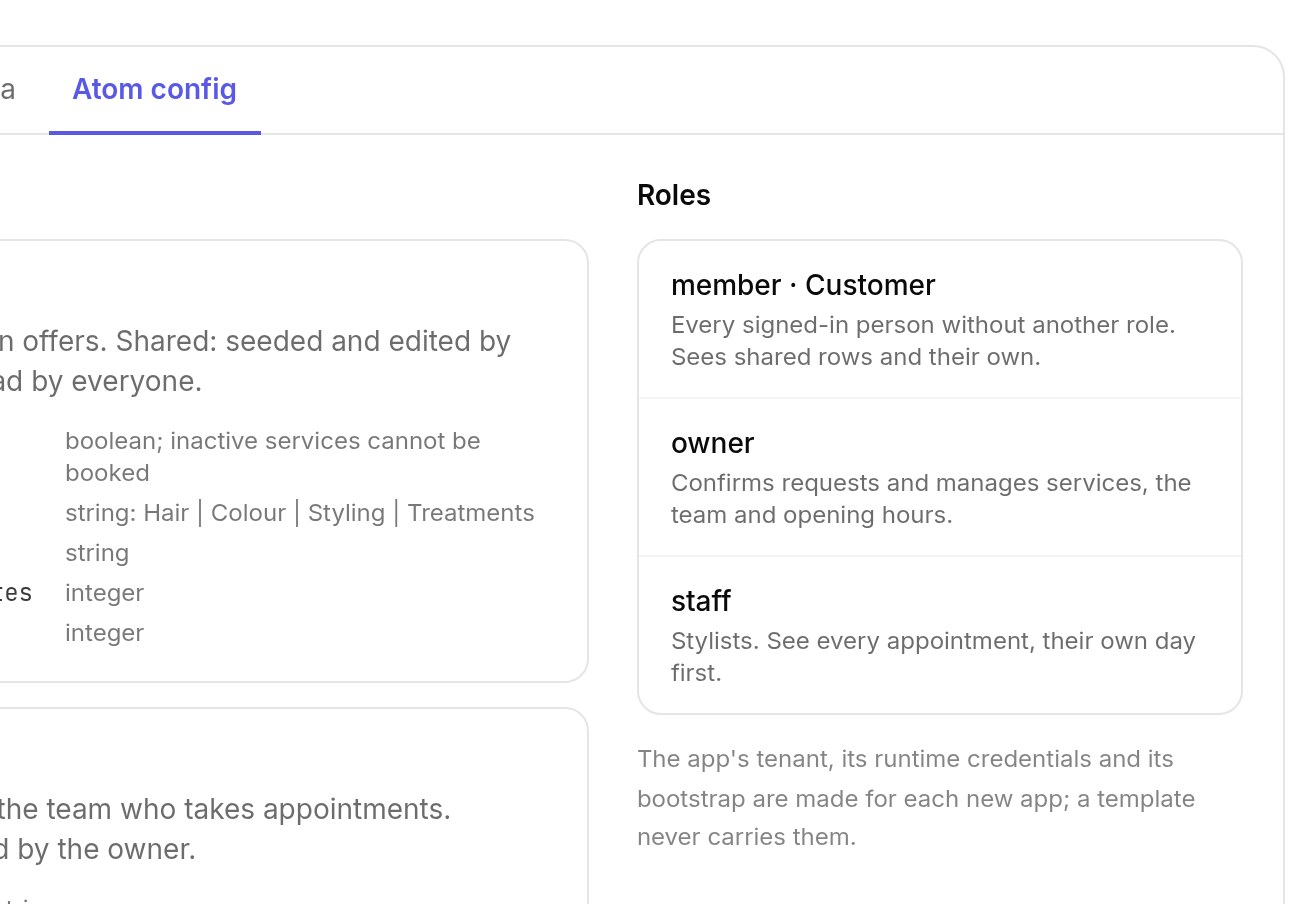
- Members, everyone signed in without another role, see records shared with everyone and the records they own. They never see other members’ records.
- Staff, every other role, see and change every record. Only staff can share a record with everyone.
So information a member needs to read, such as replies to their request, belongs on a record they own. Notes only staff should read belong on a separate record that is not shared.
In a Public — no login app, every visitor acts as the app itself and could read or change any record. Do not collect private information in a public app; use open sign-up or invite-only access instead.
Sample accounts
The accounts you sign in as on the canvas and in the preview exist only there. Their passwords are written in the app’s source, so a published app never creates them. To manage your published app, invite yourself as an admin: see your first admin.
Looking after real data
- Restoring an earlier version or rolling back a deployment changes code, never your app’s data. A change to how data is stored that has been published cannot be undone by rolling back.
- A source download does not include users, records or files.
- Ask the Atomic team about backup, export and deletion before you collect records that matter. See preparing for real data.