

What logs show
A build tells you what Atomic did. Logs tell you what the app did when you tried it in its preview, which is where most bugs show up. Open the app’s Dashboard and select View logs.
Logs collect, newest first:
- Console: messages and errors from the app in the browser;
- Requests: the requests the app made to its backend;
- Server and Backend: output from the preview server and from the app’s backend;
- System: Atomic’s own notes about the preview, such as when it stopped.
Lines are recorded only while the app’s preview is open, and each app keeps its newest 2,000. Logs cover the preview, not the published app.
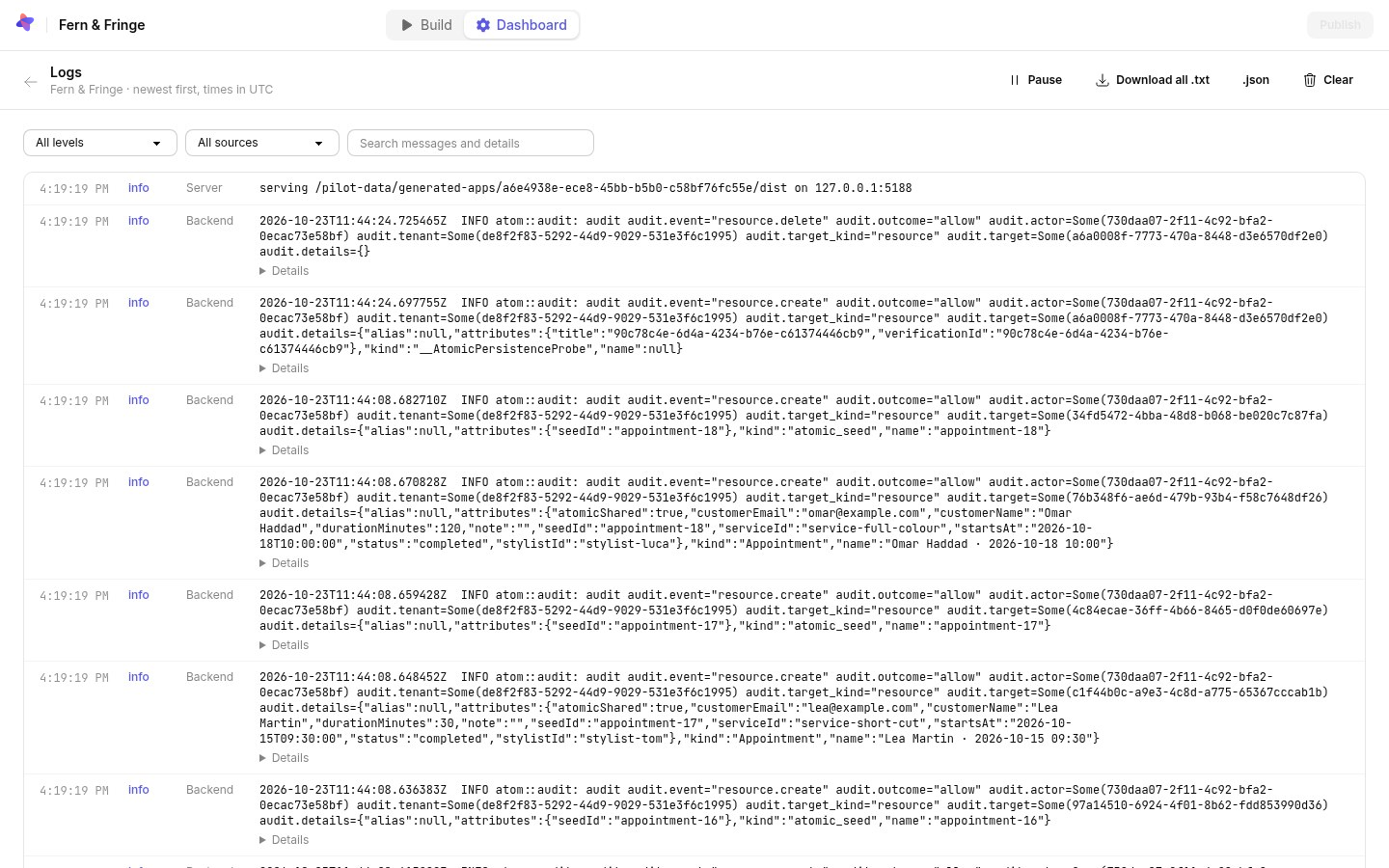
Find what you need
- Filter by level, from all levels down to errors only, and by source.
- Search messages and their details.
- New lines appear at the top as they happen. Pause stops the list moving while you read.
- Every filter is part of the page’s address, so you can send a view to a teammate.