

Before the first build
When you start an app from a description, Atomic shows a short Before we build step in the preview before it writes anything. Every choice is optional. Skip and build starts the build straight away at any step.
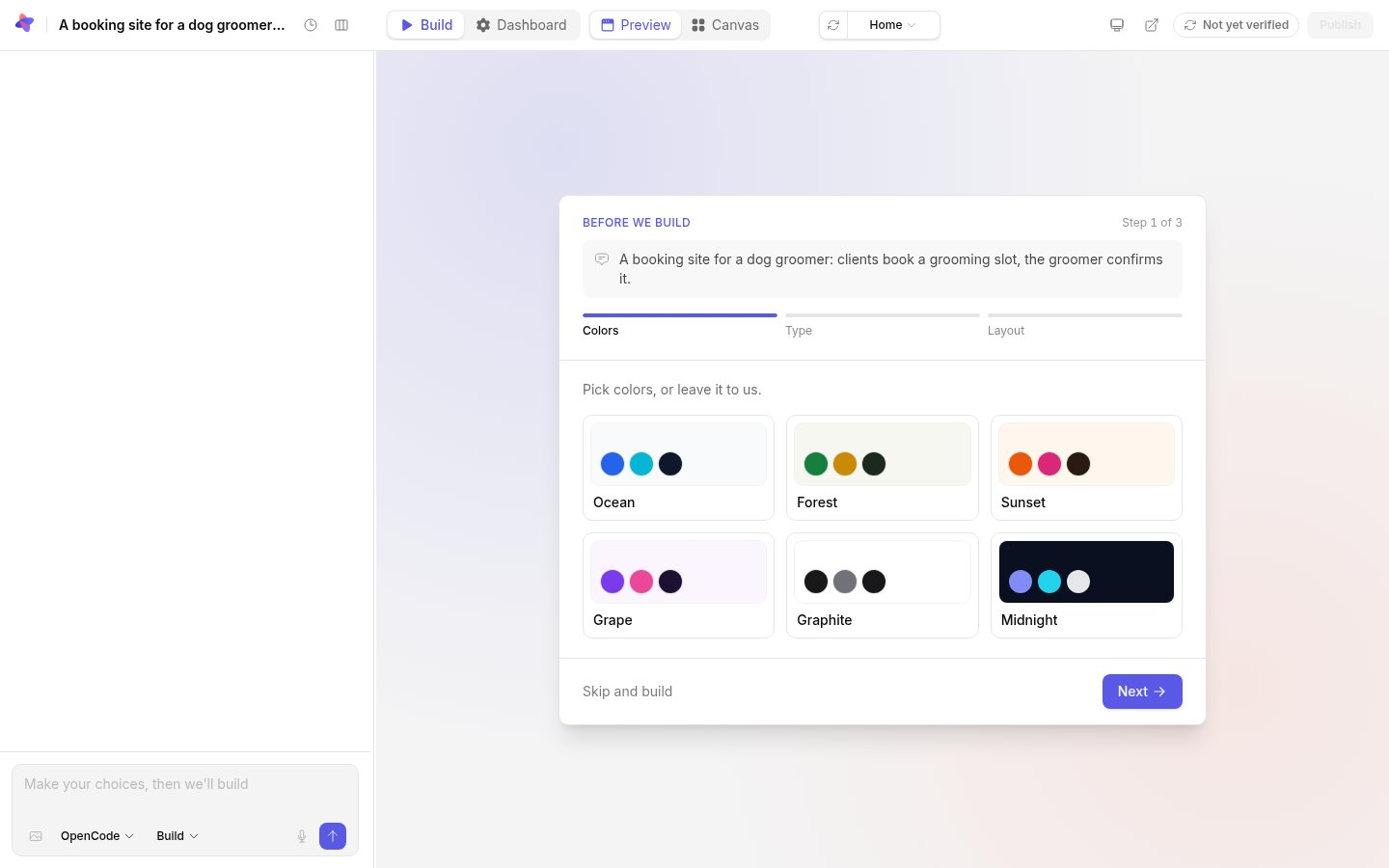
Questions about your app
Atomic may first ask a few questions about the app, written for what you described, and suggest color palettes that suit it. Answer the ones that matter to you and leave the rest.
Colors, type and layout
- Colors: pick a palette, such as Ocean, Forest or Midnight, or leave it to Atomic.
- Type: pick a typeface pairing, from modern and geometric to editorial, friendly or technical.
- Layout: a sidebar app, top navigation, a landing page, or a list-and-detail layout.
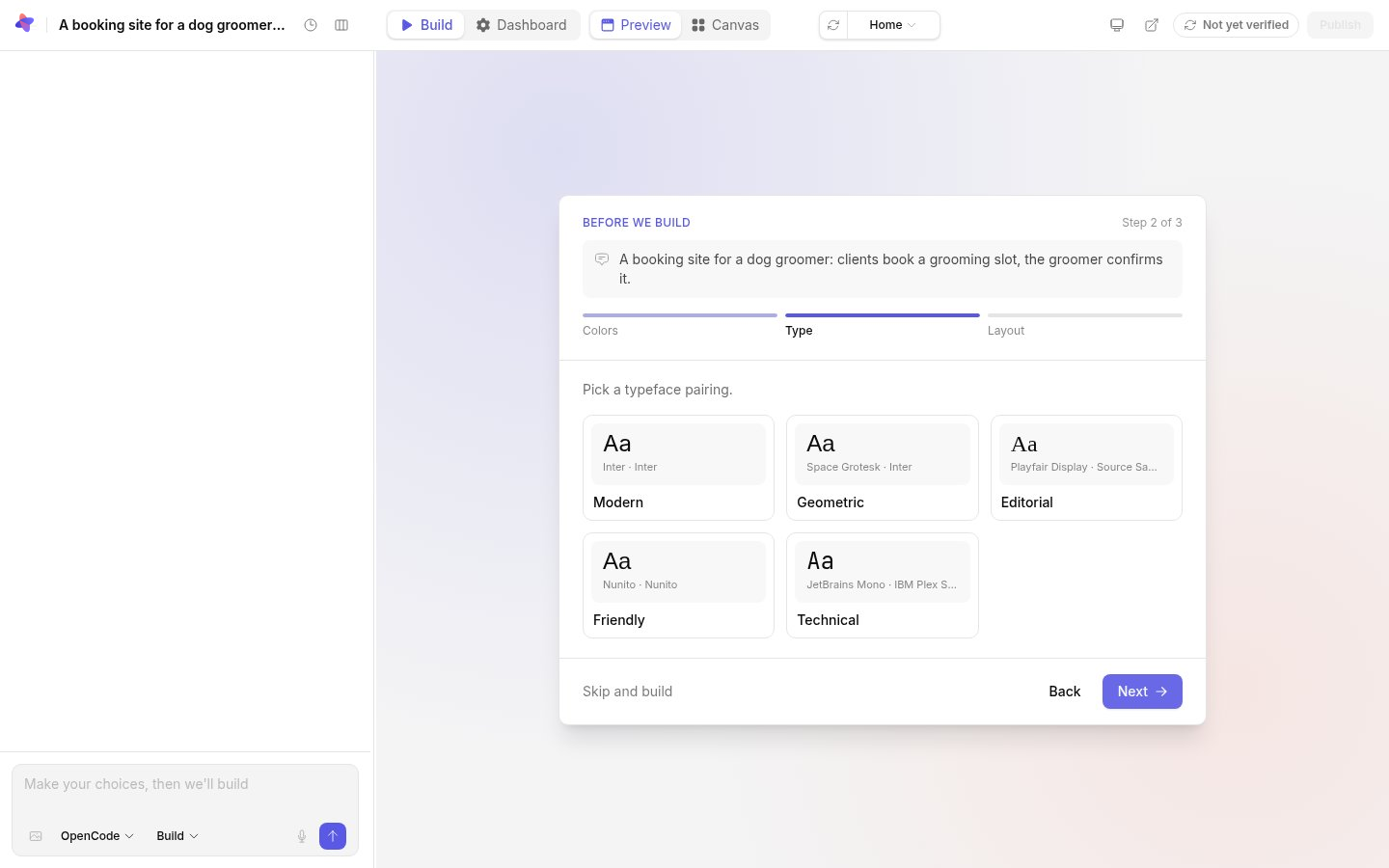
Use Back and Next to move between steps, and Start building on the last one. The colors and type you pick replace the starting design’s. You can change all of them later, on the canvas’s Tweaks panel or by asking.
If you leave before building
Atomic starts preparing the app’s workspace while you choose, so the build begins sooner. If you leave without building, that preparation is stopped. Your choices are kept with the app, so a reload or a second tab shows the same step.